
01 / 06
Walking
Every step adds up. A walking commute or evening stroll usually clears a Light goal.
The iOS app that locks your most distracting apps until you move.
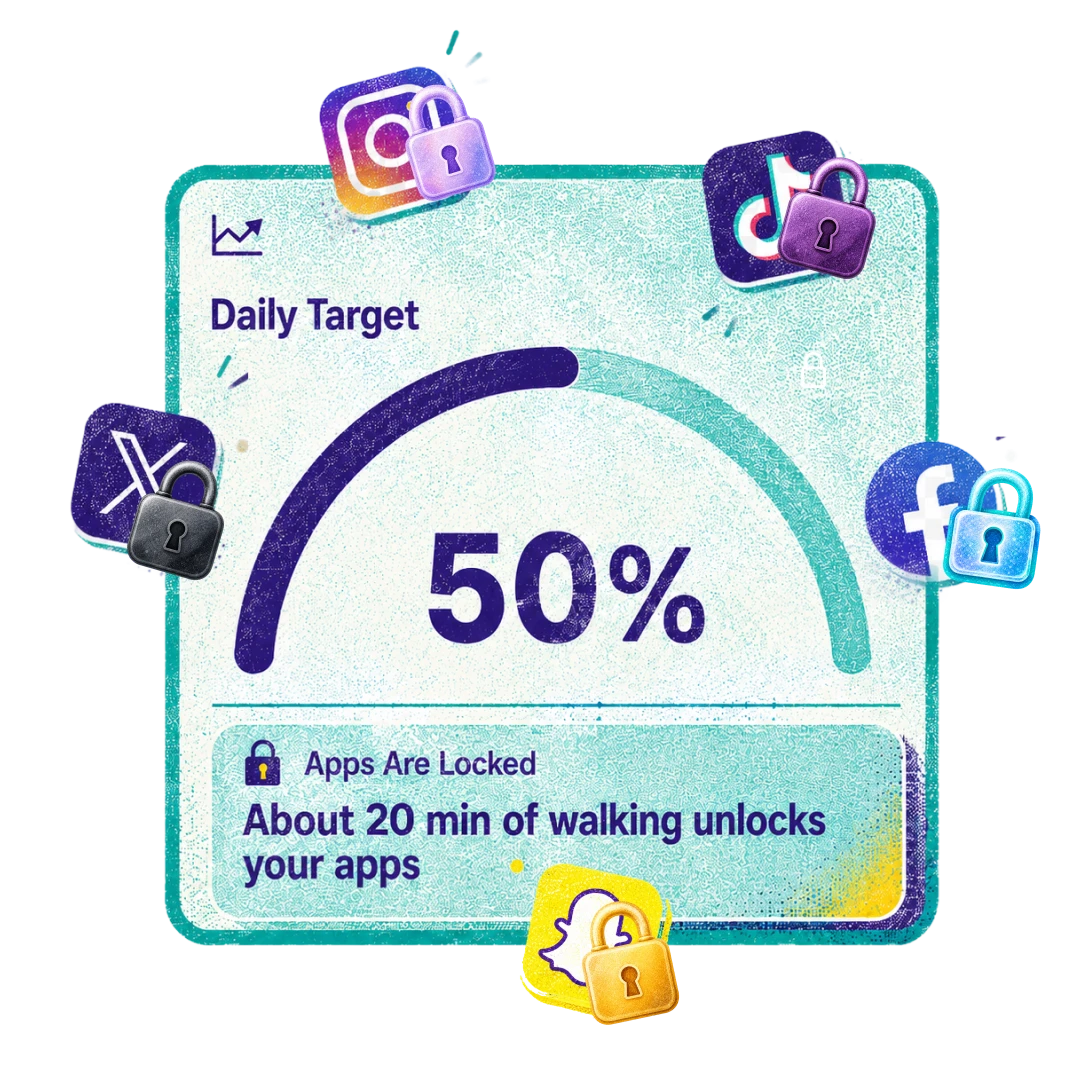
Kinobolt is an iOS app that blocks selected social media or any other apps until you complete a daily movement goal measured by Apple Health. No manual logging. Just move, then scroll.
Free to download. iOS 18 or later. No account required.
Watch the 75-second tour
A quick look at how Kinobolt locks your most distracting apps and unlocks them the moment you've moved enough.
How it works
Three steps, set up in under a minute. The unlock decision happens locally on your device. Kinobolt works fully offline.
 Step 1
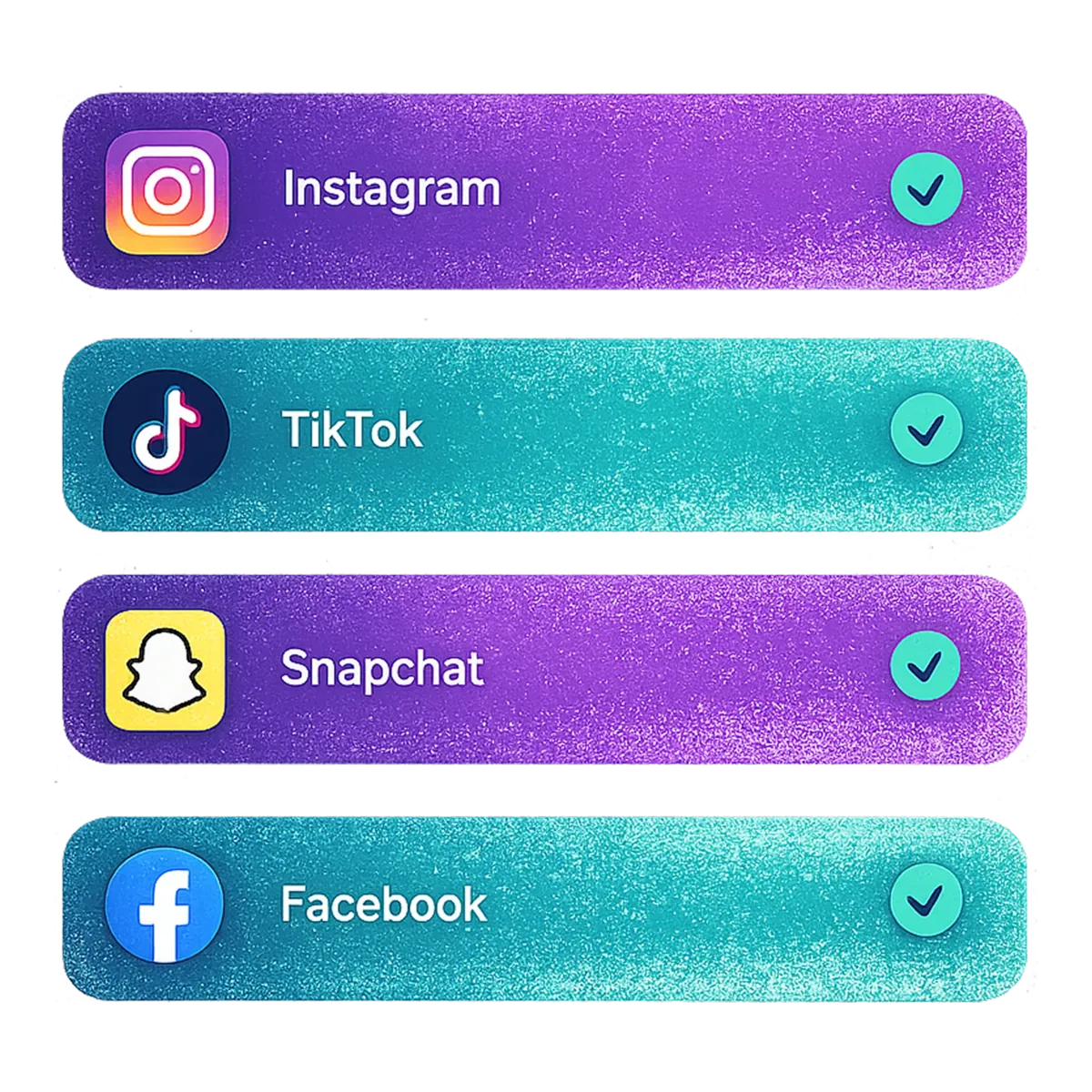
 Pick Instagram, TikTok, Facebook, X (Twitter), Snapchat, YouTube, Reddit — or any other iOS app or app group you want to step away from. Apple's FamilyControls framework enforces the block at the operating system level, so there's no way around it once it's set.
 Step 2
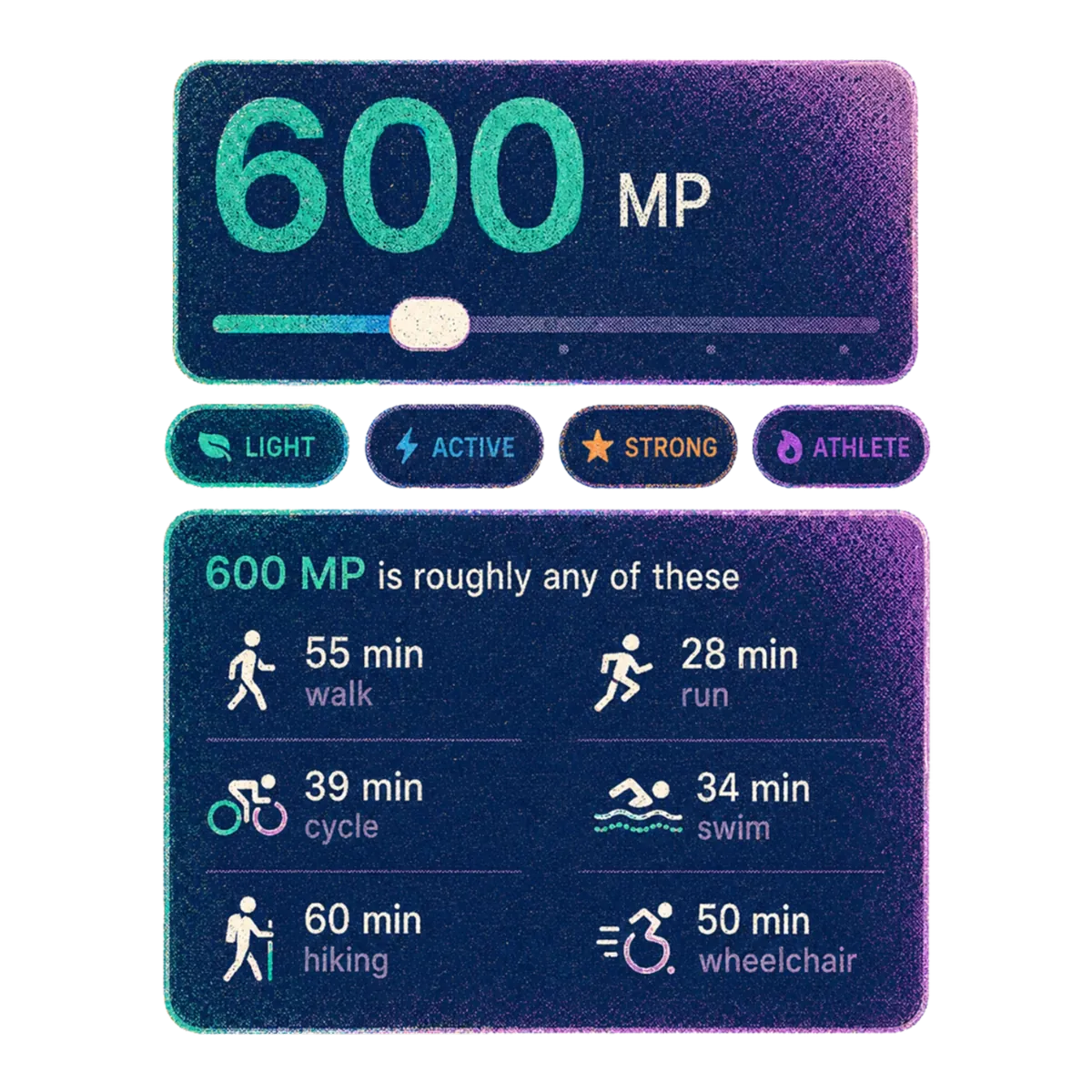
 Choose one of four lifestyle tiers — Light, Active, Strong, or Athlete. Pro subscribers get adaptive calibration that nudges the goal up as your fitness improves, so it never feels too easy or impossible.
 Step 3
 Every step, kilometer, lap, or workout contributes Move Points toward your daily goal. Reach 100% and the blocked apps unlock for the rest of the day. The clock resets at your local midnight — fresh start, every day.

Activities that count
Any movement counts. Kinobolt reads six activity types from Apple Health and combines them into a single Move Point total.
01 / 06
Every step adds up. A walking commute or evening stroll usually clears a Light goal.

02 / 06
Whether it is a slow jog or a tempo run, distance and effort both count.
03 / 06
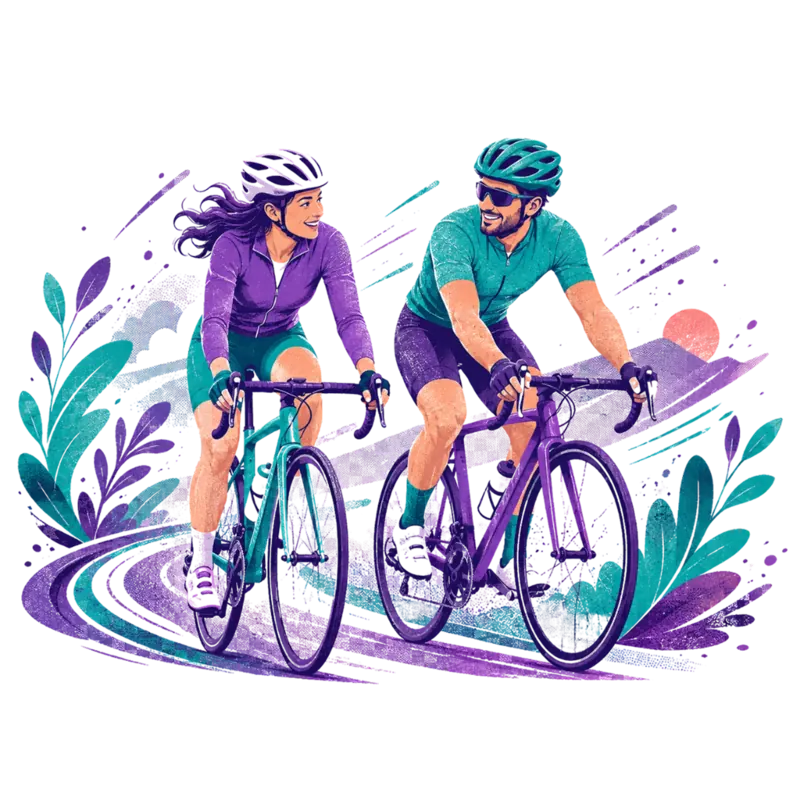
Outdoor rides and indoor trainers both contribute via HealthKit.

04 / 06
Pool laps or open water. Stroke count and workout duration both count.
05 / 06
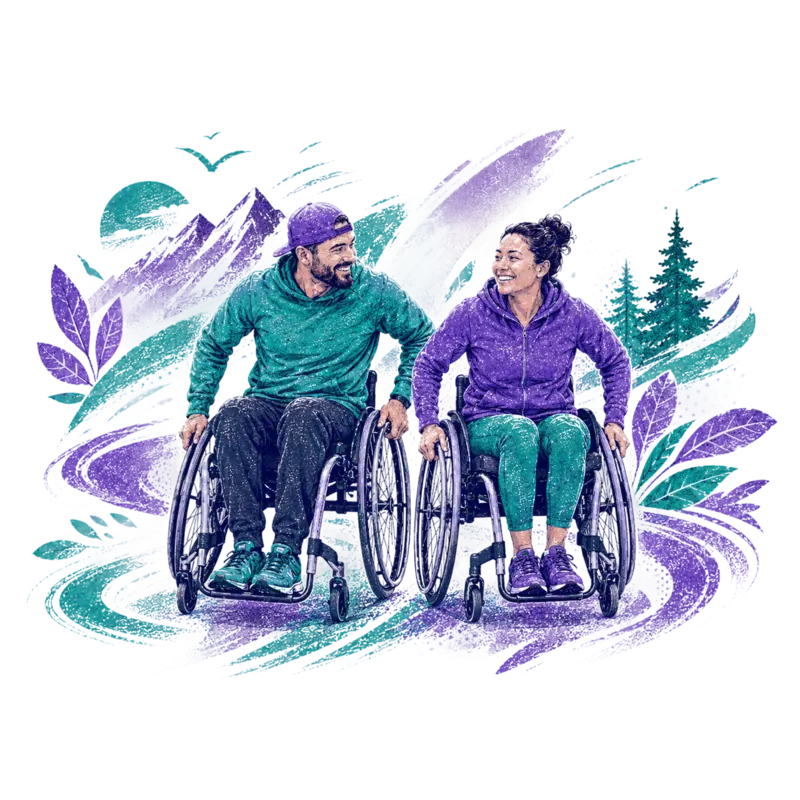
Wheelchair pushes are first-class. The app reads pushes the same way it reads steps.

06 / 06
Longer trail time with elevation. Hiking workouts feed straight in.
Find your level
Four lifestyle tiers, each tuned to a different starting point. Goals adjust gradually as your habits change — Kinobolt is built to meet you where you are.

Tier 01
For starting a daily movement habit.
A short walk, a few errands on foot, a stroll after dinner. Good if you are coming back from injury or starting from a sedentary baseline.

Tier 02
For people who already move most days.
A solid walk, a moderate ride, or a light workout. The typical default for someone who already considers themselves active.

Tier 03
For people training consistently.
Real workouts, real distance. Targets people lifting, running, or cycling several times a week.

Tier 04
For competitive training loads.
Endurance days, long rides, race blocks. Pick this if you train hard and want the lock to match.
Why Kinobolt
Kinobolt is the iOS app blocker that ties the unlock to real, sensor-measured activity. That single design choice changes the dynamic: the cost of opening Instagram is a walk, a ride, or a workout — not a delay, a schedule, or a guilty tap-through.
The unlock decision is evaluated locally on your device. Kinobolt does not need a network connection to enforce a block or unlock your apps.

Activity is read from Apple HealthKit in real time. There is no way to type in a workout to cheat the system — the iPhone's sensors are the only input.
Use Kinobolt without signing in. Sign in with Apple is optional and only used to back up your progress across devices. There are no leaderboards or social features.
Raw HealthKit data never leaves your iPhone. Only aggregate Move Point totals are stored on Kinobolt's servers, and only if you choose to sign in.
Our manifesto
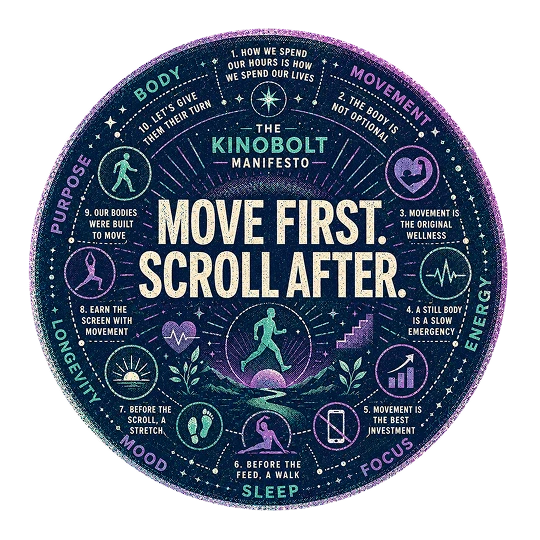
We talk about screens stealing our focus. They take more than that. While we sit, scroll, and stare, the body waits. It does not get its walk. It does not get its breath. It does not get the small, ordinary movement it was built around.
Movement is the original wellness. Sleep, mood, energy, longevity, the way you feel when you stand up at the end of the day. All downstream of a body that moves. Nothing else compounds quite like it.
The phone is not the enemy. It just should not come first.

Free works on its own. Pro adds unlimited app blocking, AI coaching, and the safety net features that keep a streak alive when life happens.
Unlimited blocked apps
Block every app you want to step away from. Free is capped at two.
Daily AI coaching nudges
A short, personalized prompt each morning that helps you build the habit.
Weekly AI reviews
A weekly write-up of your patterns, wins, and where to push next.
AI-driven goal calibration
Your goal adapts to your real movement, gradually, never punishing.
Flex Passes
24-hour bypasses for travel days, sick days, or social occasions.
Streak Insurance
Forgive a missed day before it breaks your streak.
Scheduled exception windows
Pre-plan unlocked time for work or family without breaking the rules.
Full stats history
Lifetime stats and trends instead of a rolling window.
Privacy and trust
Kinobolt is designed to collect as little as possible. The app works without an account, without a network connection, and without sharing your activity with anyone.
Kinobolt reads HealthKit locally. Raw health samples — every step, every workout, every heart rate reading — never leave your iPhone.

The only authentication method is Sign in with Apple, including private relay emails. Sign-in is optional and used only to back up progress across devices.
There are no friends to follow, no public rankings, and no shared activity feeds. Your movement is yours alone.
Badges
Kinobolt rewards consistency. Hit milestones for streaks, distance, and time across each supported activity — every badge is unlocked by real movement detected by Apple Health.
Quick Start

First Splash

First Trail

First Push

Dawn Rider

Dawn Hiker

Noon Crusher

Weekend Warrior

Mountain Bolt

Night Bolt
Fixie
Endurance Fish

Century Swimmer
Double Down

Four Figures
Month of Miles

MP Millionaire

Cold Turkey

Bypass Rookie

Human After All

Founding Member
OG Mover
Frequently asked questions
If you don't see your question, email hello@kinobolt.app — we read every message.
Kinobolt is an iOS app blocker that locks selected apps — Instagram, TikTok, Facebook, X (Twitter), Snapchat, YouTube, Reddit, or any other iOS app or app group — until you complete a daily movement goal measured by Apple Health. Activity like walking, running, cycling, swimming, hiking, and wheelchair pushes is detected automatically — no manual logging. Once your daily Move Point goal is reached, the apps unlock for the rest of the day.
Kinobolt uses Apple's FamilyControls and ManagedSettings frameworks, the same system the iOS Screen Time feature is built on. You select the apps you want blocked, and the operating system enforces the block at the OS level until your daily Move Point goal is met. The unlock decision is evaluated locally on your device and works without an internet connection.
No. Most supported activities — walking, running, cycling, hiking, wheelchair pushes — are tracked by iPhone sensors alone. An Apple Watch is optional and improves accuracy for some workouts like swimming and indoor sessions, but it is not required to use Kinobolt.
You can block any installed iOS app or app group, including Instagram, TikTok, Facebook, X (Twitter), Snapchat, YouTube, Reddit, and others. The Free tier lets you block up to two apps or app groups at a time. Kinobolt Pro removes the limit so you can block as many apps as you want.
No. Raw HealthKit data never leaves your iPhone. Kinobolt only stores anonymized daily totals on its servers, and only if you sign in with Apple to back up your progress. The app also works fully without an account, in which case nothing is sent to any server at all.
If you don't reach your goal by local midnight, your streak ends and the apps stay locked for that day. On Kinobolt Pro, Streak Insurance lets you forgive one missed day per period before the streak breaks, so an occasional rest day or sick day does not erase weeks of progress.
No. Kinobolt only counts activity that Apple HealthKit has recorded from hardware sensors on your iPhone or paired Apple Watch. The whole point is to make movement the gate.
Apple Screen Time enforces time-based limits and schedules. Kinobolt enforces a movement requirement: your apps stay blocked until you have moved enough today. The two can be used together. Kinobolt complements Screen Time rather than replacing it.
Opal, one sec, and ScreenZen are excellent at adding intentional friction or scheduled focus blocks to your phone use. Kinobolt is the only one in this category that ties the unlock to real-world physical activity measured by hardware sensors. The cost of opening Instagram is a walk, a ride, or a workout — not a delay or a schedule.
Kinobolt is free to download and free to use with up to two blocked apps. Kinobolt Pro is $6.99 per month or $49.99 per year and unlocks unlimited app blocking, AI coaching, Flex Passes, Streak Insurance, and full stats history. Single-use Flex Passes are also available for $1.99.
Download Kinobolt, pick the apps you want to block, and let your daily movement decide when they open. Free to download. iOS 18 and up.